If you need printed marketing or business documents on a tight timeline, the “right” print shop is the one whose workflow matches how you submit files and approve proofs. Modern Press in Albany positions itself as a quick-turn commercial printer, and its website lists categories like business cards, brochures, flyers, banners, and direct mail—so the best next step is to validate the practical details that affect your final output.
Here’s a decision framework you can use to judge fit before you order, using Modern Press’s public signals and what you should confirm directly.
Start with the deliverable risk (cards vs. banners vs. bound work)
Different print items fail in different ways. A business card can look “fine” on screen and still be wrong if trim, bleed, or color is off. A banner adds extra variables like vinyl suitability and how the art is set up for the final dimensions. Modern Press’s product menu includes items ranging from business cards and brochures to banners and programs, which is helpful—but you still need to match your project to the shop’s process.
Before you upload anything, clarify what you’re ordering: single-sided cards, full-color folded brochures, a booklet/program, or a large-format banner. Then ask how the shop handles the specific failure points for that category (color proofs, crop/bleed checks, and finishing setup).
Verify proofing: what you see is what gets printed
Modern Press’s site emphasizes putting projects on a schedule and includes an “Online Proofing” section in its support/help menu. That’s a strong hint that the shop has a defined review step, but proofing details vary by shop and by product type.
Ask these proof questions in plain terms:
- What does “proof” include for your job—dimensions with bleed/crop, color mode expectations, and finishing effects (like folding or trimming guides)?
- Is proof review handled digitally, and how do you confirm approval—email confirmation, a form submission, or another method?
- If you approve and something is off, what part of the process is considered your responsibility (file setup vs. proof generation)?
Use your own deliverable to test the workflow: if you’re ordering marketing materials that must match brand color, don’t skip proof review assumptions.
File readiness: confirm formats, crop/bleed, and naming before the deadline
Quick turnaround is often limited by how easily the shop can preflight your files. Modern Press’s website includes options to “Upload Files” and “Send a File,” which suggests an input workflow—but “uploaded” doesn’t automatically mean “print-ready.”
At a minimum, confirm these items before you finalize artwork:
- Correct size and whether your file includes bleed (and safe margins) for the final trimmed product.
- Color setup expectations (for example, whether the shop works from CMYK-ready art or converts from RGB).
- File type acceptance (PDF vs. layered files) and whether embedded fonts must be outlined.
This is where projects commonly slow down: a last-minute fix to trim/crop or missing fonts can be the difference between a smooth reprint and an extended delay.
Finishing and bindery: what “same-day” means for your specific option
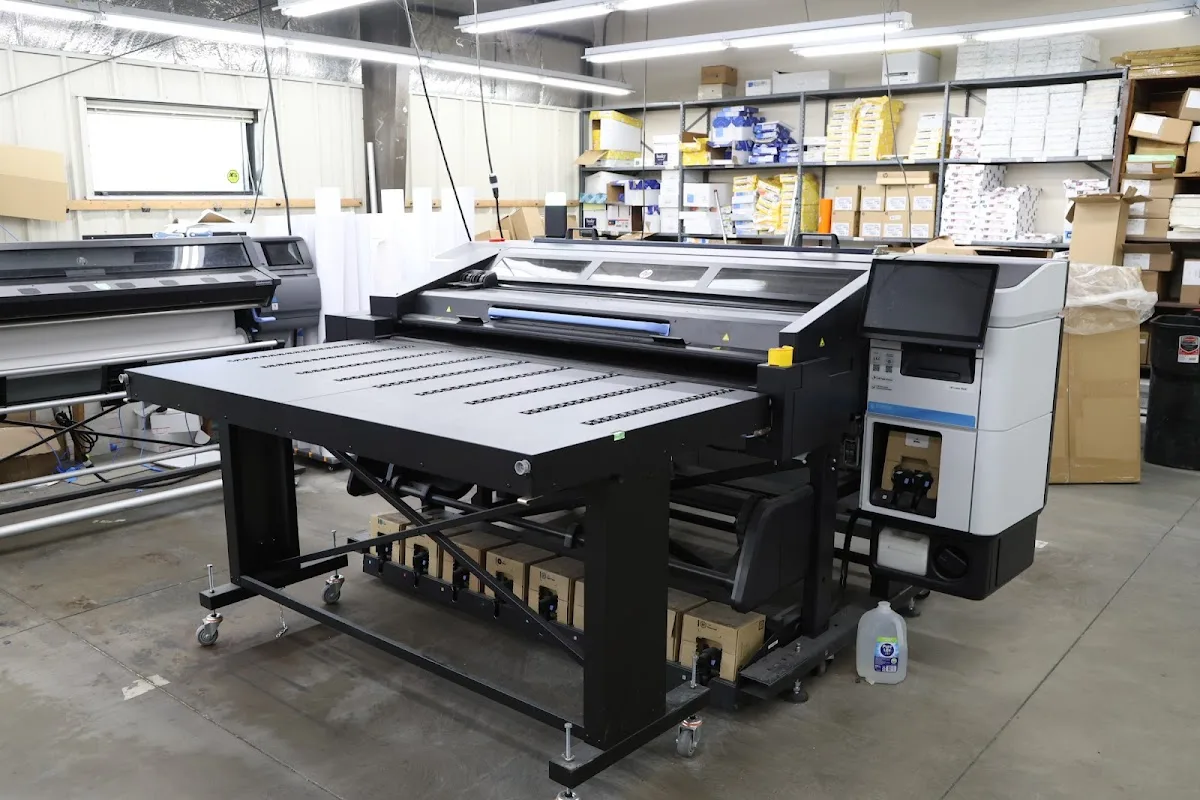
Modern Press lists “Bindery & Finishing” among its services, which matters because finishing steps create many of the most visible differences in the final product. A brochure that folds incorrectly, a booklet with the wrong order, or a banner with art set to the wrong proportions can all come from finishing setup rather than the design itself.
Request finishing details tied to your job type: what happens to paper stock, how folding guides are handled, and how the shop plans for the number of pages/sections. If you’re ordering something like perfect-bound or program-style materials, ask what they need from your file (cover/back setup, page sequence, and any template requirements).
Also confirm scheduling boundaries. Modern Press lists hours of operation as 8am to 4:30pm Monday through Friday on its site, so ask how submissions and approvals affect timing on your exact dates.
Use the shop’s contact signals to confirm scope quickly
If you want fast, accurate answers, use direct contact and reference your deliverable. Modern Press lists 1 Colonie St, Albany, NY 12207, phone +1 518-434-2921, and its official site at http://www.modernpress.com/. When you call or email, include a short spec: product type, quantity, finished size, paper expectations (if you have them), and your target approval date.
That small amount of structure helps the shop map your request to its production workflow and reduces back-and-forth after file upload.
Bottom line: Modern Press can be a strong option for time-sensitive printing in Albany, but the best decision comes from verifying proofing, preflight readiness, and finishing expectations for your exact deliverable. If those pieces are clear, you’re far more likely to get the outcome you approved.